 hseipaa.kz




Microsoft Excel courses
Individual and corporate training for beginners and advanced users
 Programme for your level
 Individually and in groups
 Practical skills for working in Excel
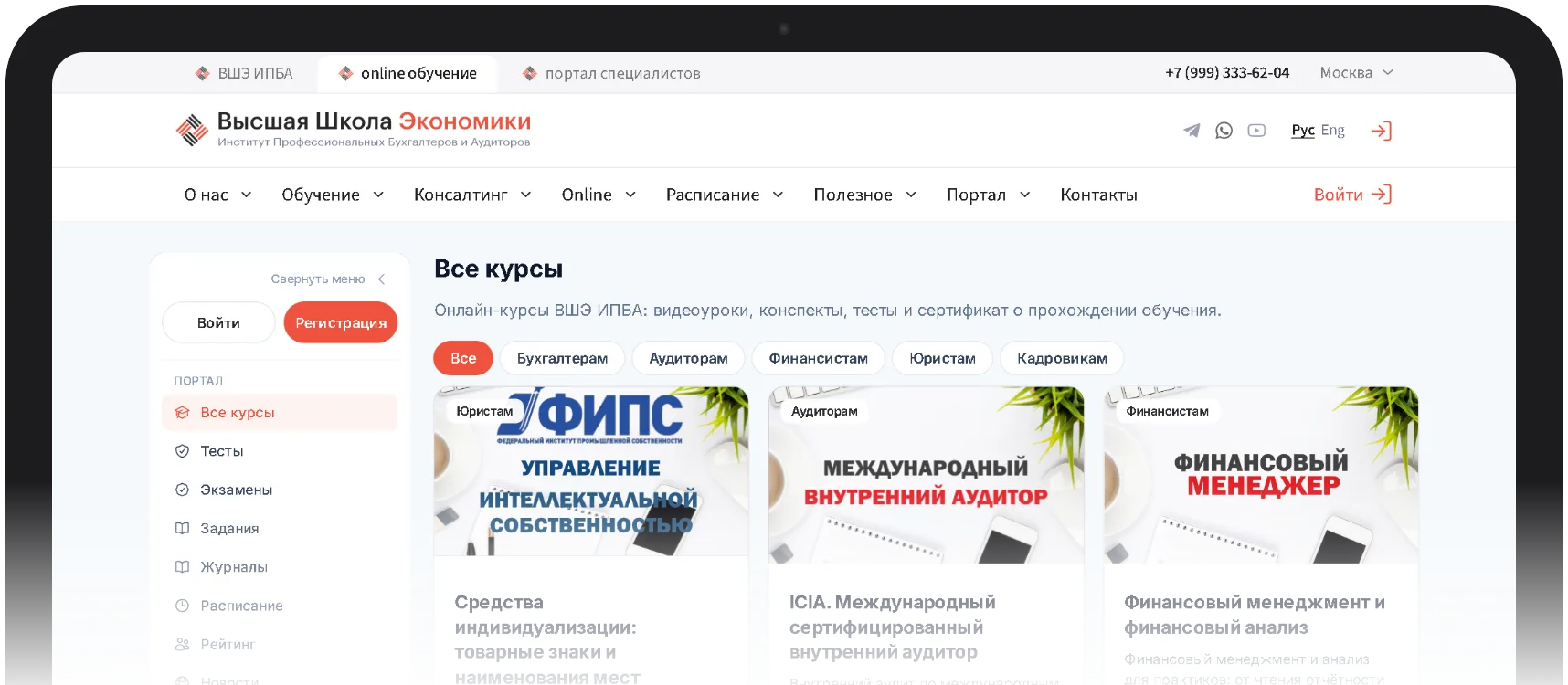
“Online” — go to online learning: find a course, buy it and start right away

0
Why learn Excel
Excel is a universal programme for organising and processing data: calculations, analytics and clear presentation of large volumes of information.

Calculations, analytical tasks and visualisation of information

Useful for office staff, managers, analysts and logisticians

Professional use of formulas and spreadsheets
What students will learn
 Create, edit and save Excel workbooks, lists and tables
Enter and edit data, format the appearance of cells
Sort, filter, group and consolidate data
Create formulas and perform calculations of varying complexity
Work with functions, relative and absolute addresses
Build charts and diagrams: histograms, pie charts, scatter plots
Use MS Excel as a database and compile price lists, statements and catalogues
Advantages of the course
The training is built around your tasks and current level of preparation

Individual approach
The learner will not have to complete tasks they have already mastered: the programme is built on the knowledge they already have.

Current assignments
Instructors set tasks that build skills useful for future work processes.

Individual and corporate
Both individual lessons and corporate training for company employees are available.
What level the course is suitable for
The courses are designed for users of different levels of preparation

Beginners
Learn how to create and edit spreadsheets from scratch.

Confident users
Mathematical calculations of varying complexity, sorting and filtering of data.

Advanced
Macros, complex functions and automation of a large number of repetitive calculations.

Corporate groups
Training department staff for the company's specific work processes.
Who the training is suitable for
Office employees
Accountants and economists
Analysts and reporting specialists
Logisticians
Management team
Specialists who work with large spreadsheets
Corporate groups of employees
Curriculum
The course covers working with spreadsheets, calculations, analysis and data visualisation

Any level
from beginner to advanced

Individually
programme tailored to your tasks

Corporate
staff training
- Creating, editing and saving workbooks, configuring settings.
- Entering and editing cell contents, formatting the appearance of tables.
- Sorting, filtering, grouping, consolidating, copying and moving data.
- Calculations of varying complexity, relative and absolute addresses, automation of calculations.
- Charts and diagrams: histograms, pie charts, scatter plots; adjusting and highlighting data.
- Preparing schedules, statements, catalogues and price lists in tabular form.
A convenient learning platform
A personal account with a clear interface: manage your training, track your progress and communicate with instructors in one place.
Training materials
All lectures, presentations and assignments in one place
Class schedule
A calendar with reminders of upcoming classes
Progress
Progress and completed assignments
Video lectures
Watch lectures at a convenient time
FAQ
Frequently asked questions?
Didn't find an answer? Ask a question — a manager will reply and help you choose a program.
Ask a question01 When is the training held?
Training is held once groups are formed, and the training time is agreed with the course participants. You can always study online at any convenient time on our portal on.hseipaa.kz.
02 What is the cost of training?
The tuition fee is fixed and available in the schedule, but may be changed for corporate groups and regions.
03 Who conducts the training?
Training is delivered by certified specialists with extensive practical and theoretical experience, as well as academic degrees and titles.
04 Where is the training held ?
Training is held in our classrooms, on site at the client, online via the on.hseipaa.kz platform.
05 How long is the course?
Training is held in our classrooms, on site at the client, online via the on.hseipaa.kz platform.
06 How long is the course?
Depending on the training programme, we recommend reviewing the Training section on our website. With online training you can always see the exact duration of the course down to the minute.
About the “Tax Consultant” program
Microsoft Office Excel training
The Microsoft Office Excel training course is today an actively and widely used software component that helps to solve a number of highly complex data-organisation tasks. Despite its seeming simplicity, the program offers serious data-processing tools and has an extensive range of built-in functions, macros and other elements that take it beyond a simple office application.
The Excel course offers the best tools for performing calculations, analytical tasks and presenting large volumes of information clearly.
Every version of Excel contains tools and useful functions for working with tables, which are useful not only to office employees but also to managers, analytical departments, logisticians and specialists of the widest range of profiles.
Nowadays every organisation needs to process information, which can be processed and produced in the universal program Excel.
Excel is a universal program that allows you to work with various data formats. In Excel you can keep a household budget, perform both simple and very complex calculations, store data, organise various diaries, draw up reports, build graphs and charts, and much, much more.
Excel capabilities:
- Working with numerical data.
- Working with text.
- Creating graphs and charts.
- Creating diagrams and drawings.
- Organising lists and databases.
- Importing and exporting data.
- Automating repetitive tasks.
- Creating dashboards.
- Built-in programming language.
Aims and objectives of the Excel course:
Providing participants with the necessary amount of knowledge and skills that are in demand and effectively applied in the further work of specialists.
- Teaching the basic concepts of the EXCEL tools.
- Professional use of formulas and tables
- Skills in working with the Excel spreadsheet editor
- Competent use of the program
- Effective performance and application of skills at work
Excel courses – individual and corporate training
The Excel training course will help you gain professional skills in working with the program in a short time.
During Excel training we focus on an individual approach to each client. Participants will not have to complete Excel tasks they have already mastered. When the training programme is developed, existing knowledge is taken into account, and the Excel course programme is built on its basis.
Excel training programme:
Excel training courses are designed for users of various levels. Our teachers offer up-to-date assignments that build skills useful for future work processes from the outset, such as:
- The procedure for creating and editing spreadsheets
- Performing mathematical calculations of varying complexity
- Sorting and selecting data
- Preparing tabular documents of varying complexity
- Prompt data processing when working with documents and calculations
- Working with lists and pivot tables
- Preparing reports
- Building charts and graphs
- Classes are taught by the best specialists with extensive teaching experience and work experience in computer and information technology.
The organisation and format of the course contribute to quick and successful mastery of the training material.
TRAINING QUALITY GUARANTEE!
MS Excel courses for economists and finance specialists.
Financial analysis, special functions such as depreciation, calculation of investment profitability, currency rate forecasting and the like. Learn more: https://edumart.kz/ru/catalog/kursy-excel-uglublenno--obuchenie-sotrudnikov
During the course, participants will learn to:
- create, edit and save Excel workbooks, lists and tables, configure settings and visualise data;
- enter and edit data, edit cell contents, format appearance, edit content, sort, filter, group, consolidate, copy and move data;
- create formulas, perform calculations of varying complexity, work with functions and with relative and absolute references, automate the calculation of a large number of repetitive arithmetic operations, create graphs and build charts;
- draw up documents in the form of a table (timetable, statement, catalogue, price list) and use MS Excel as a database.
- visualise data, create charts (histograms, pie charts, line graphs, scatter plots), adjust them, selectively mark any data from sources as input, and configure the coordinate system and the design of graphs;
- create pivot tables and integrated analytical tables from large arrays of source data;
- create macros and automate standard, routine Excel operations and functions;
Training format:
- Individual
- Corporate
- Remote
Duration:
5-7 sessions
Group size:
4-6 people
Cost of training:
depends on the training format (please check with the managers)
Additional information:
Days and times by agreement
Qualification document issued:
Training certificate (Certificate)
Not sure which program to choose?
Our specialists will help you choose a program for your goals and answer all your questions. The consultation is free!
Reach us in one click: call us.
+7 (727) 224-21-21
contact us via messengers


